
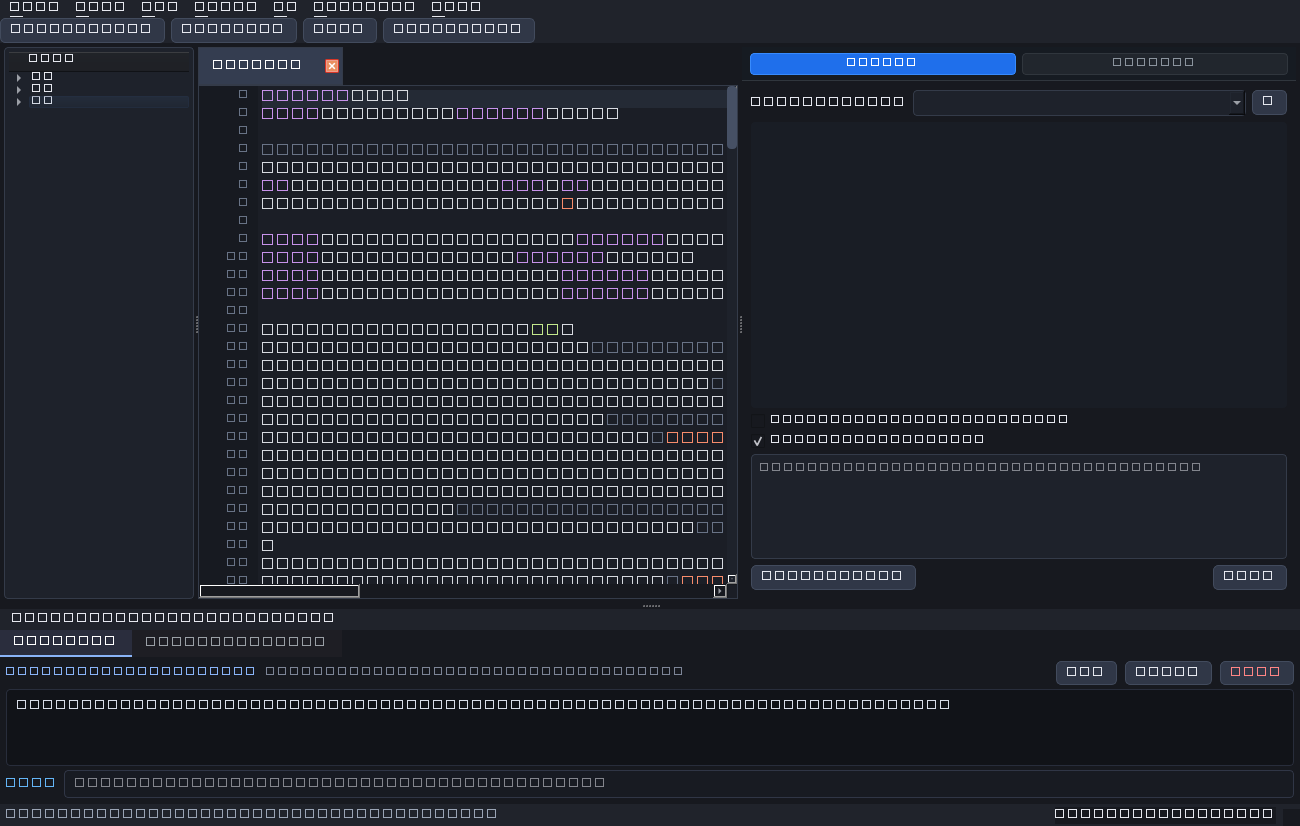
OpenArise IDE – Overview & README
v1.0.0OpenArise IDE is a fast, reliable, local-first AI development environment designed to provide a Cursor-level coding workflow powered by local large language models.
Key Architectural Principles
- Local-First Privacy: Your source code never leaves your computer. All AI reasoning is executed locally via Ollama.
- Minimal Main Toolbar: Contains strictly four buttons in exact order:
Open Folder,New File,Save,Run Python. Advanced tools remain accessible via top menus and Command Palette (Ctrl+Shift+P). - Robust Multi-File Staging: Multi-file operations are staged into an atomic journal and presented for user approval in an interactive Diff Review dialog.
Default Keyboard Shortcuts
| Action | Shortcut | Scope |
|---|---|---|
| Command Palette | Ctrl + Shift + P | Global |
| Settings | Ctrl + , | Global |
| Save Active File | Ctrl + S | Editor |
| Run Active Python File | F5 | Editor / Terminal |
| Rename File or Folder | F2 | File Explorer |